
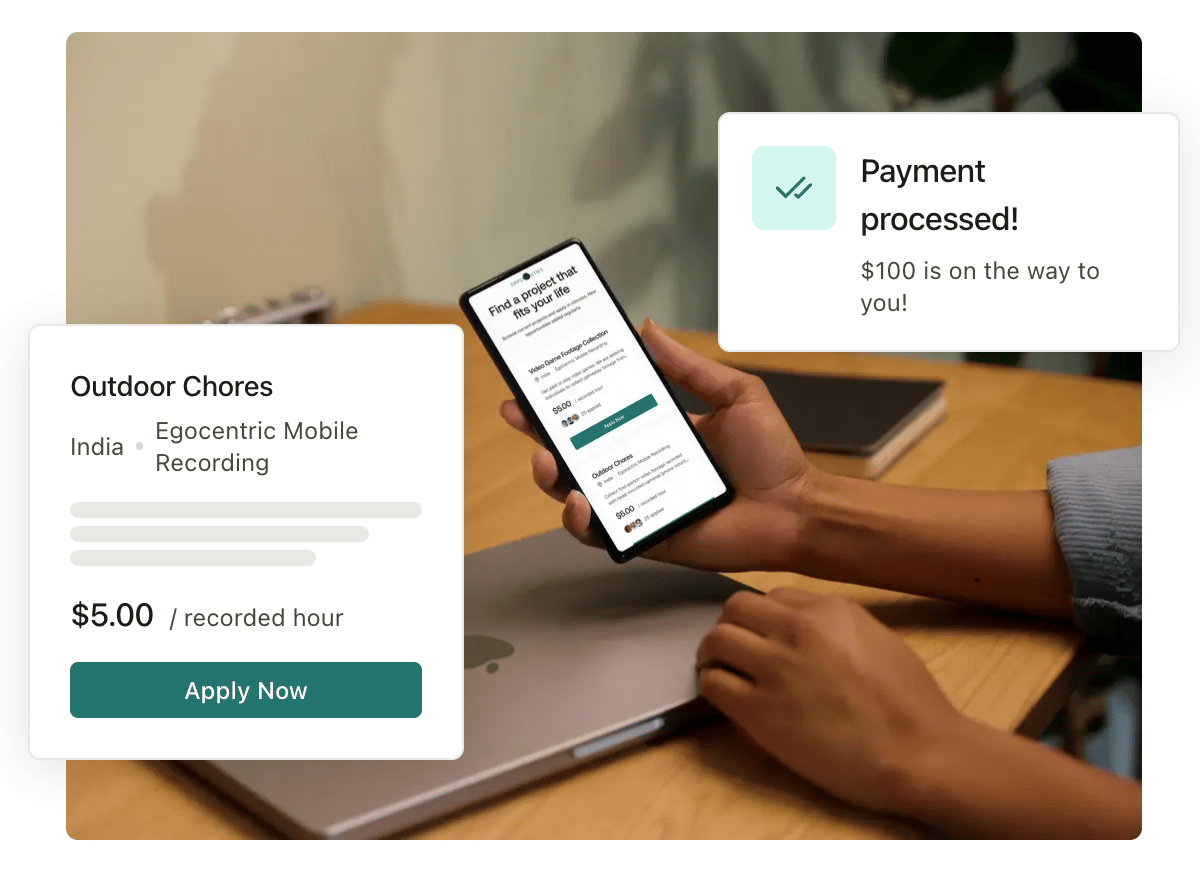
How Visora works, in one minute
At a high level, your journey looks like this:- Create your account and profile. Tell us about your devices (laptop, webcam, phone) and set up how you’ll get paid. Some of this is required before you can apply or be paid.
- Find work and qualify for it. Browse open jobs, apply to the ones you want, and pass any assessments the job requires.
- Get cleared. Once your application is approved (and, for some jobs, you’ve accepted an offer), you’re cleared to start recording.
- Record and submit. Record your video using the right tool for the job (your browser, our VidLog desktop app, or our mobile app), then submit it.
- Pass quality review. Submissions go through automated quality control (QC) and sometimes human review. Approved work earns money; some work may come back with a revision request you can fix and resubmit.
- Get paid. Approved work becomes earnings, which are paid out to your connected Stripe or Payoneer account.
The pieces you’ll hear about
You don’t need to memorize these, but it helps to know the vocabulary. Full definitions are in the Glossary.Before you can do everything
A few things are gated — you have to finish one step before the next becomes available. Knowing this up front saves a lot of confusion:- Finish your personal profile before you can apply to jobs.
- Verify your identity before you can submit a job application.
- Pass any required assessments before your work on a job is cleared.
- Complete payment and tax setup before earnings can be paid out.
Start here
Create your account
Sign up and learn your way around the app.
Set up your profile
Add your devices so we can match you to the right work.
Browse jobs
Find jobs that fit and apply to them.
Get paid
Understand earnings, payouts, and bonuses.