
Sign up
1
Create an account
Go to the Visora sign-up page and create an account with your email or a supported social login.
2
Verify your email
Verify your email address if prompted.
3
Land on Home
You’ll arrive on your Home page, your starting point for everything else.
Use an email address you check regularly. We send important updates there — application decisions, offers, and payout notifications.
Find your way around
Once you’re signed in, the sidebar is your map. Here’s what each area is for:What to do first
Your Home page shows a “To-do” list of setup steps. Knock these out before anything else, because they unlock the rest of the platform: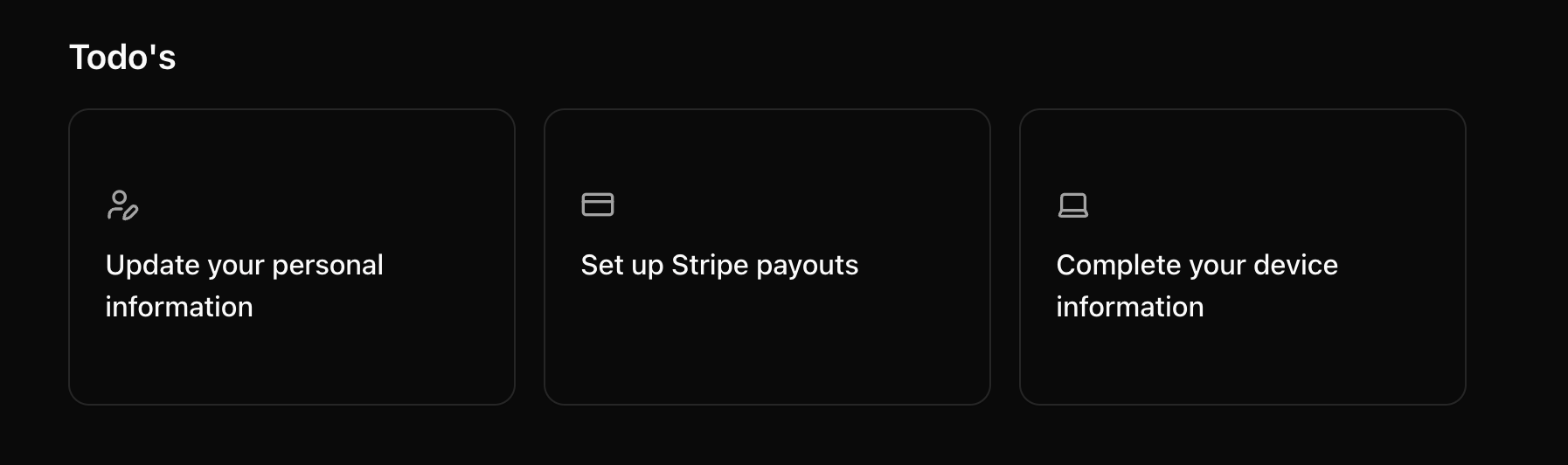
Your setup to-do list on Home
- Set up your profile — personal info and your devices.
- Verify your identity — a quick ID check.
- Set up payments and taxes — so you can actually get paid.