
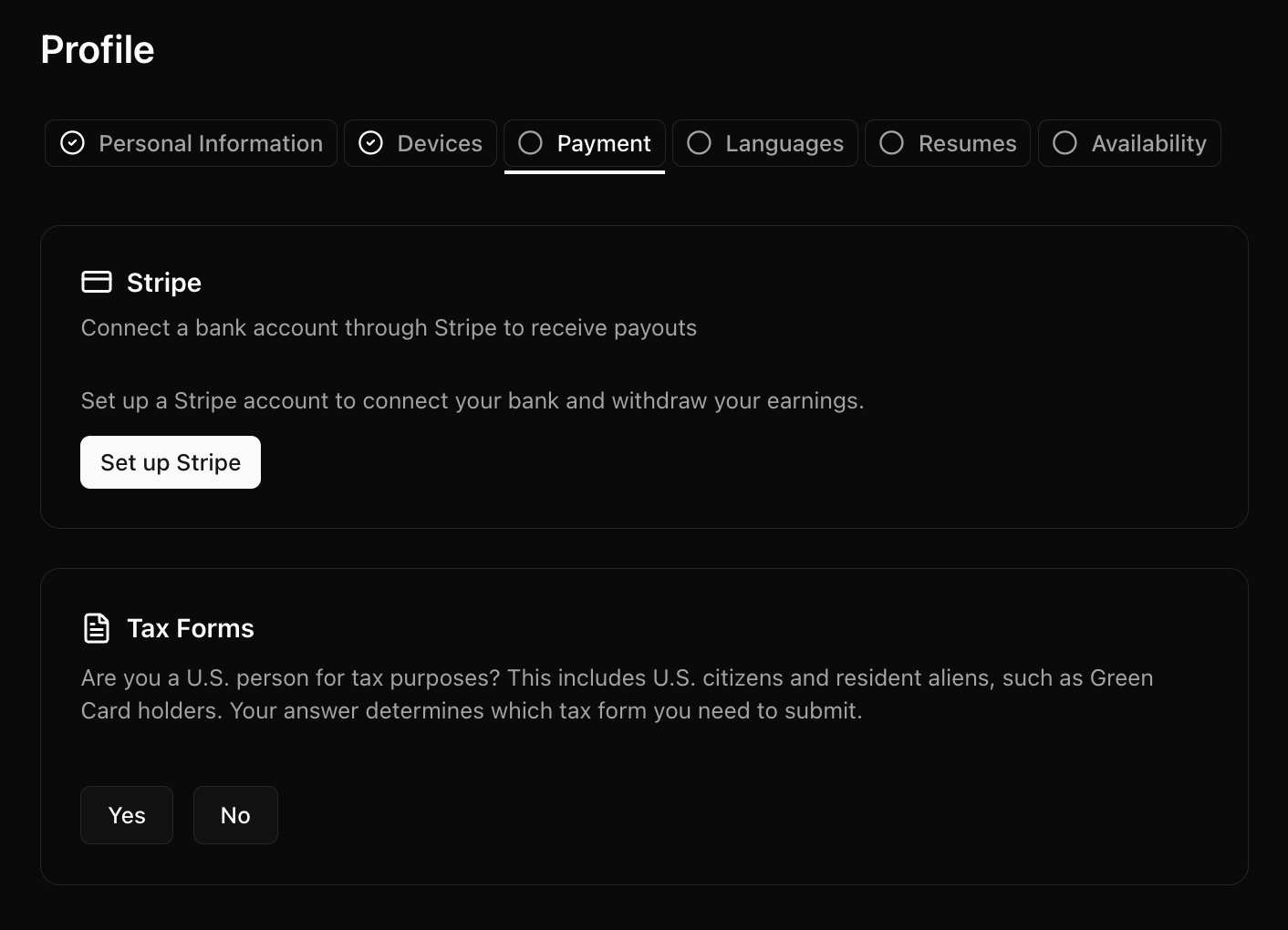
The Payment tab
Connect a payout account
Visora pays recorders through a payment provider. Your provider is determined automatically by the country on your profile — you don’t choose it. You’ll connect one of:- Stripe — connect your account through a guided setup.
- Payoneer — register for a Payoneer account through the link we provide, then connect it.
Submit your tax documents
We’re required to collect a tax form before paying you:- W-9 — if you’re a U.S. person.
- W-8BEN — if you’re a non-U.S. person.
Your tax form details should match your profile and your verified identity.
Legal agreements
Along the way you’ll be asked to review and sign legal documents. These can include the Terms of Service, an acceptable-use policy, a privacy policy, a contractor agreement, and payment and tax agreements. They come at different points:- Platform Terms of Service — you’ll be prompted to accept these before you can use your dashboard at all.
- Job-specific agreements — some documents are required as part of applying to a particular job; others are required after you’re hired.