
How you earn
You earn money for approved work. When a submission is approved in the approval process, it creates an earning — a line item for what that work is worth. Jobs typically pay per unit (for example, per minute of approved footage or per approved video), at the rate shown on the job. Earnings come in a few types:- Task — payment for approved work.
- Bonus — extra rewards (see Bonuses).
- Adjustment — a correction made by our team.
Track your earnings
Your Dashboard is the place to watch your money:- Earnings — your current balance from approved work.
- Payout history — past payouts and their status.
- My Work — recent submissions and where they stand.
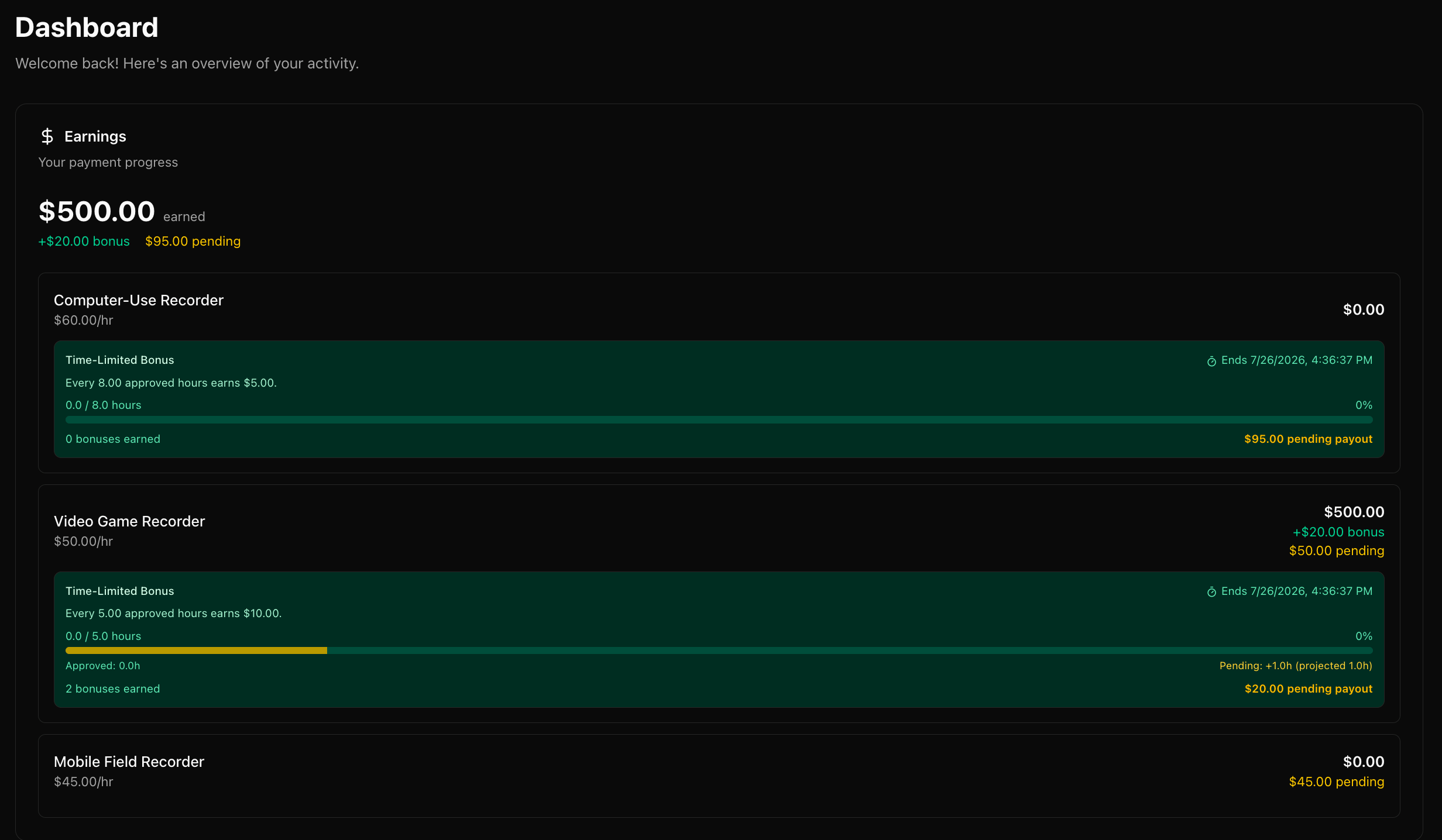
Your earnings dashboard
How payouts work
Approved earnings are gathered into a payout and sent to your connected Stripe or Payoneer account. A payout moves through: Pending → Submitted (in transit) → Completed (or Failed, if there’s an issue with your payout account). Payouts are in US dollars (USD) and run every Wednesday at 12 PM PST. Your approved earnings are included in that week’s payout if either:- Your aggregate approved earnings are over $20, or
- Any approved earnings are more than 7 days old.