
- Unlocks applications. You must complete your personal information before you can apply to any job.
- Matches you to work. Your device specs determine which jobs you’re eligible for. A job that needs 4K screen recording won’t be a fit if your setup can’t produce it — so be accurate.
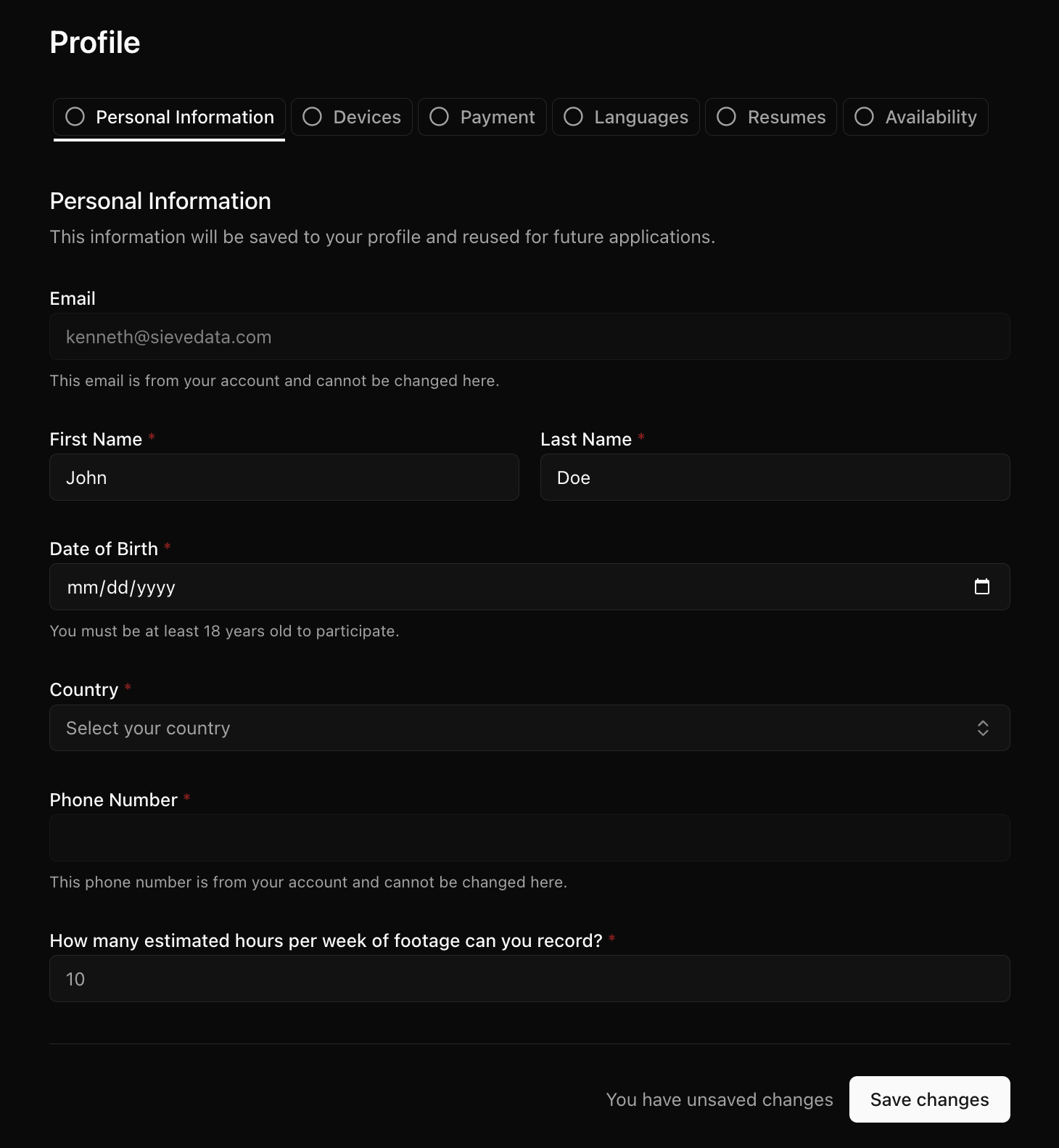
Personal information
Fill in your:- First and last name
- Date of birth
- Country
- Phone number
Devices
This is where you tell us what you can record with. The more complete and accurate this is, the better we can match you to jobs you’ll actually qualify for. You can add:- Computer — laptop and/or desktop specs (OS, CPU, RAM), your monitors and their resolutions, and whether you have a webcam (plus its resolution and capabilities).
- Mobile — phone type (iPhone/Android), model, and camera capabilities (resolution, frame rate). Some jobs (like point-of-view “egocentric” recording) are mobile-only.
- Other setups — head-mounted or chest-mounted camera rigs, or other cameras, if you have them.
- Internet — your download/upload speed and latency. Uploading video needs a reasonable connection.
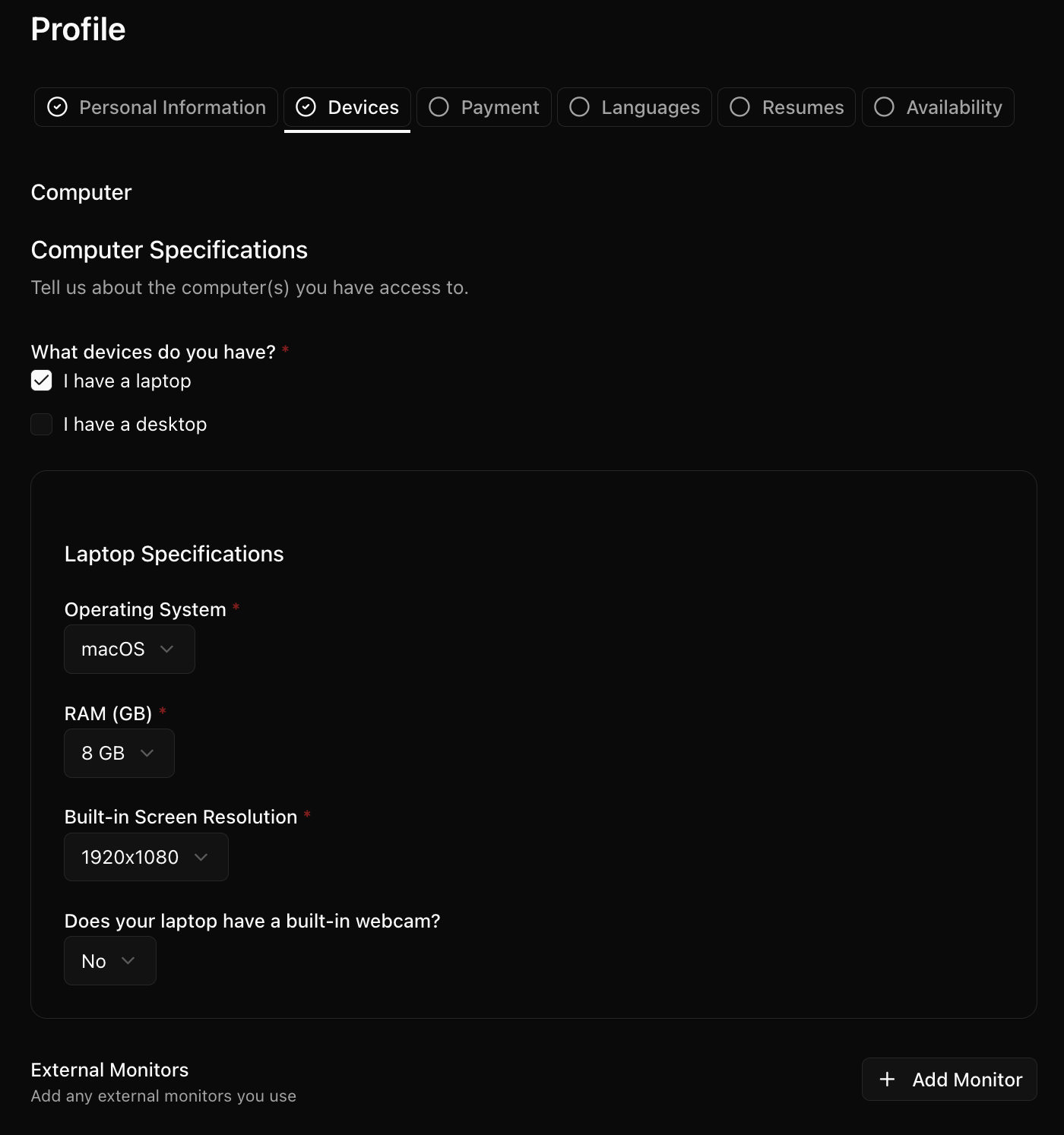
The Devices tab
Other tabs
Depending on what’s enabled for you, your profile may also include:- Languages — languages you speak. Some jobs are language-specific.
- Resumes — upload a resume/CV. A few jobs require one to apply.
- Availability — roughly how many hours per week you can record. This helps match you to projects with quotas.